Do you know what's a common struggle for those who run social brand channels online, whether it's Instagram, TikTok, Facebook, or LinkedIn? There are a number of challenges, including staying engaged with customers who visit your channels, managing your platform efficiently, and creating content that's relevant to your audience, but one of the most challenging is constantly coming up with content ideas.
Moreover, in the nature of SNS, no amount of algorithm understanding or other attractive tricks can overcome steady content publishing, as SNS itself is about creating a 'social network' based on your own account, and the essence of networking is to communicate and network based on content. Therefore, this task, which is important for steadiness, is too burdensome for an agency, so it is usually handled by marketers of startups and SMEs, or by freelancers and solo entrepreneurs who have to manage their own channels, who often give up halfway through thinking about content, or don't even start.
To solve this problem, Wonders Lab has developed an assistant that automatically generates content ideas and drafts content for each channel. This is Sdot, our social media AI assistant. Sdot is an AI assistant that solves the creative stagnation that can occur when creating social media content and improves the efficiency of content creation by generating quick drafts.
With Sdot, you can quickly and easily create customized social content “steadily” from idea to creation to publication. Use sdot to create high-quality social media content and connect with your target audience. Reduce the burden of content creation and achieve content marketing success on social channels.
● SNS AI Assistant, Sdot ●
● Case Study : Instagram Posting ●
How to use Sdot. Step 1
Set up your project, including categories, audience settings, keywords, and more
- Setting up categories
- Enter your target audience
- Enter a keyword
- Enter the channel information and the main information available on the channel (most important!)
💡In the project settings, the 'About channel' and 'Main information available on the channel' are very important for drafting content. For example, for Instagram, we recommend that you include the following feed format: [Hooking phrase - main content - CTA]. We are in the process of updating S.Dot to add these recommended formats one by one so that you can add them with a simple click. The Instagram feed format has already been added, so give it a try!
How to use Sdot. Step 2
Choose a topic and select a channel to draft content
- Select or enter a content topic
- Select a social media channel
- Revise your drafts with Assistant features like Write longer, Write shorter, change tone & manner, translate, and more
💡How can I use Sdot in practice? Sdot is optimized for informational content, so by consistently publishing informational content that fits your area of expertise, you can gather followers (subscribers) who are interested in that information and help grow the community on your channel. We recommend creating projects for each social media channel and each type of content, and take advantage of the “Add Instagram feed format” feature in the example!
● Get 3 days free on Sdot ●
📍 Try our AI assistant, which is ready to go without prompting!
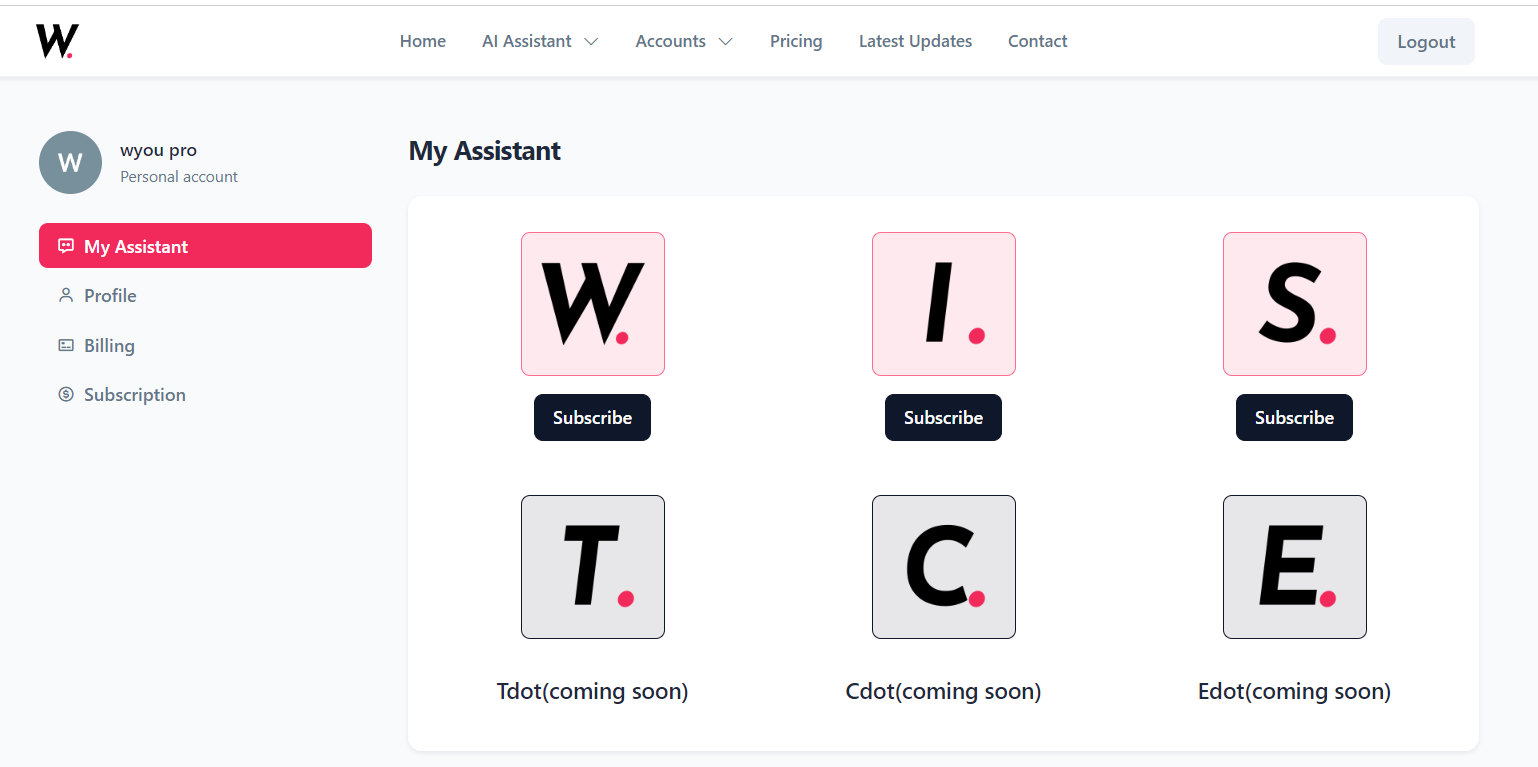
In fact, the process of thinking about prompts every time and asking repeated questions to get a good answer can lead to inefficiencies and increased variation in prompts. That's why we've created workflow-based assistants that use AI to reduce repetitive tasks, with standardized prompts built in so you can start using AI in your work right away. Wdot, Idot, and Sdot support repetitive document, image, and content tasks, so you can get your work done faster!
WondersLab develops and provides AI assistants for professionals to utilize for a variety of tasks. Subscribe to and manage your assistants on the Wonders Lab AI Assistant integration site, and flexibly utilize the assistants you need for your work!