
By Meka Coven
A polished first answer can make a comparison feel finished. It is not. If you ask DeepSeek about a planning problem and ask ChatGPT a slightly different version, you are comparing the prompts as much as the models.
A better DeepSeek vs ChatGPT test uses a task you really do and keeps the setup boringly consistent. That makes the result less exciting, but much easier to trust.
If you want to send the same question to selected AI services without rebuilding it in several tabs, SuperCompareAI is made for that part of the workflow.
• Introduce: https://www.supercompareai.com/
• Chrome extension: https://chromewebstore.google.com/detail/supercompareai-compare-ch/fhbnhohjeakmodifnnmpmphacbnolfhf
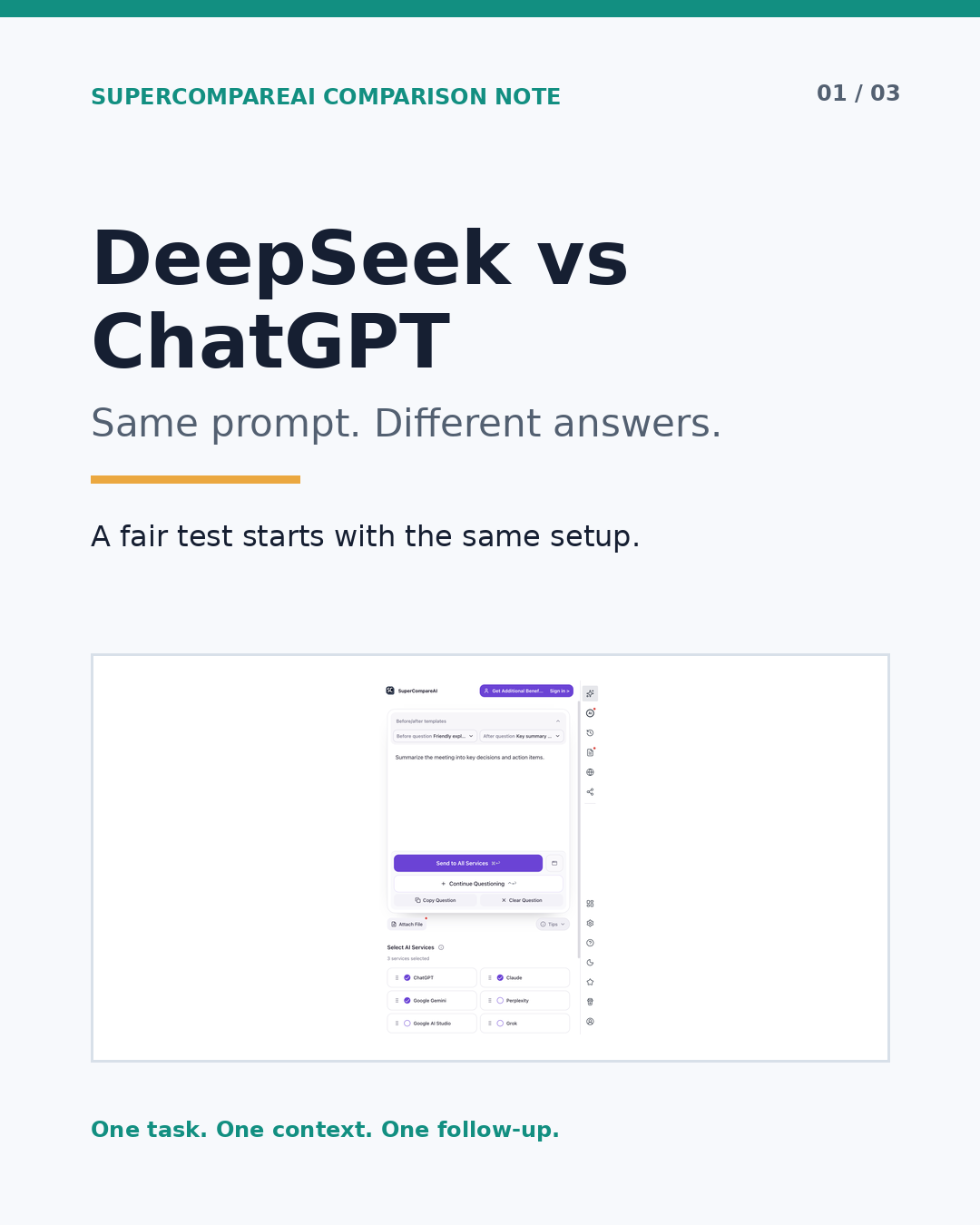
Start with a prompt you can run again
Pick a job you actually repeat. It could be a research outline, a product decision, a code review, or a short planning memo. The task matters because a model can look impressive on a problem that does not resemble your work at all.
Write down five things before you start:
• The task: what you need the answer to do
• The context: facts, examples, files, and background the model may use
• The constraints: length, audience, format, deadline, or limits
• The evidence rule: ask the model to mark uncertainty and claims that need checking
• The output format: headings or fields that make the two answers easy to compare
A reusable prompt might look like this:
Prompt example
I am working on [specific task]. Use only the context below. Give me a recommendation, the assumptions behind it, two risks, and the next three actions. Mark anything that needs external verification.
Run that prompt in DeepSeek and ChatGPT without changing the wording. If the task includes a file or image, give both services the same material. Do not add a helpful detail to one side after seeing the first answer. That turns a model comparison into a prompt preference test.
Judge the answers with a checklist
Read both answers once without deciding which one is better. Then read them again and record what happened.
• Did the answer follow every instruction?
• Did it use the supplied context, or fall back to general advice?
• Which facts, assumptions, or links need checking?
• Can you act on the proposed next steps?
• Is the structure easy to scan when you return to it later?
• What changed after the model received the same revision request?
Do not use word count as a shortcut for quality. A long answer can avoid the decision you need to make. A short answer can be useful if it leaves fewer unsupported claims.
Keep two kinds of notes separate. The extension sending one question to selected services in one browser flow is an observed product fact. Which answer helped with your own task is your test result. The first can be checked on the product pages. The second has to come from your work.
Compare multiple AI models side by side
Copying one question into two tabs is fine for a quick check. It gets tiring when the prompt contains a long context, an attachment, or several follow-up questions. One small edit in one tab can also make the comparison less useful without being obvious later.
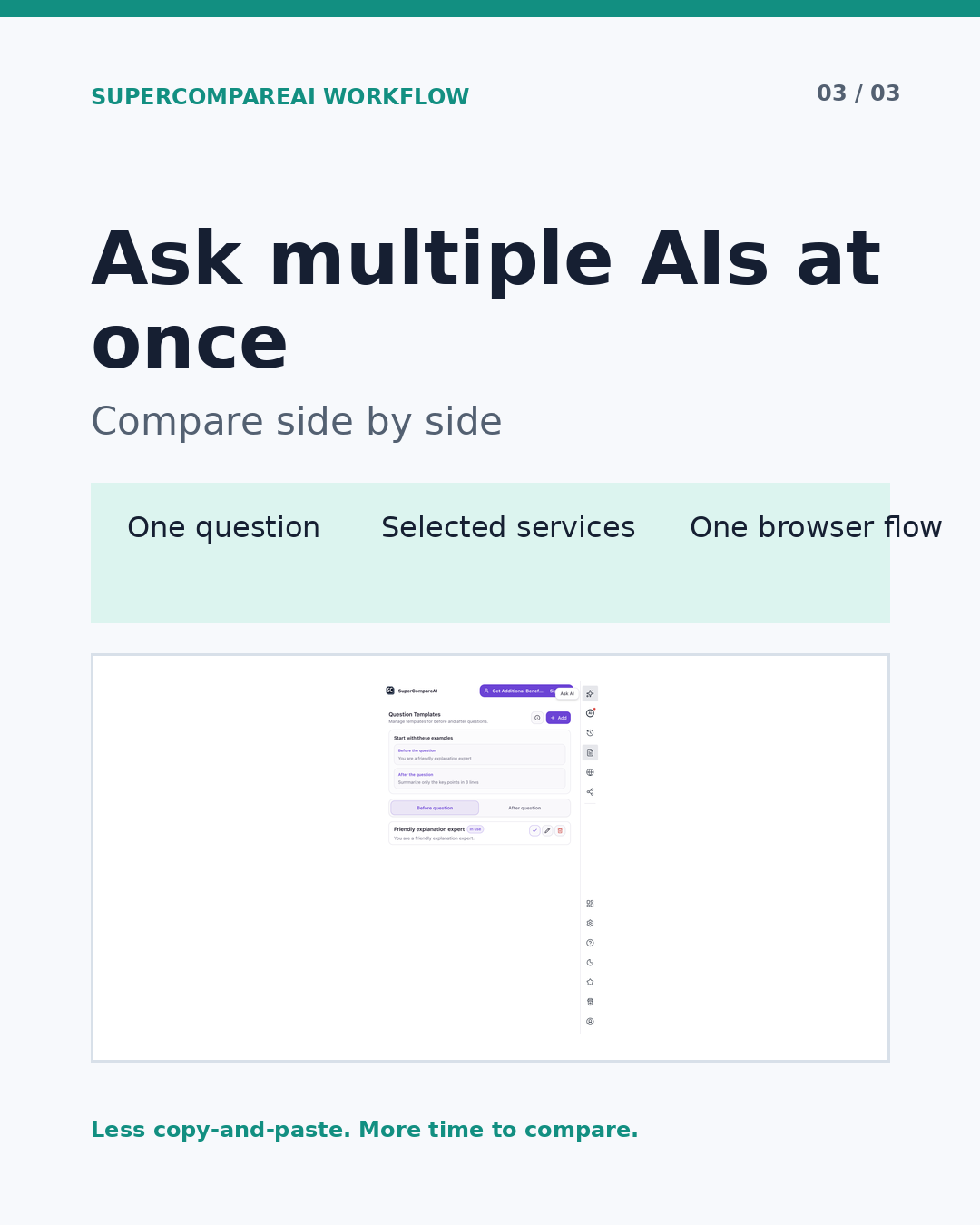
An AI comparison tool can remove that copying step. SuperCompareAI is a Chrome extension that lets you select AI services, ask multiple AI models at once, and compare the answers side by side. The official site currently lists 12 selectable services: ChatGPT, Claude, Gemini, Perplexity, Google AI Studio, Grok, GenSpark, Qwen, DeepSeek, Copilot, Z.ai, and Kimi.
The official product pages describe browser-based use with the AI accounts you already use and state that AI provider API keys are not required. The extension does not decide which answer is correct. It keeps the repeated question-and-review step in one flow, while you decide what fits the task.
If you want a third reference point, add Claude or Gemini without changing the prompt. Keep DeepSeek and ChatGPT as the main pair for this test, and treat the extra answer as another piece of evidence rather than a final ranking.
Once the question is fixed, SuperCompareAI can keep the multi-model part of the test together in the browser. The introduction explains the workflow, and the Chrome extension is the direct way to try it.
• Introduce: https://www.supercompareai.com/
• Chrome extension: https://chromewebstore.google.com/detail/supercompareai-compare-ch/fhbnhohjeakmodifnnmpmphacbnolfhf
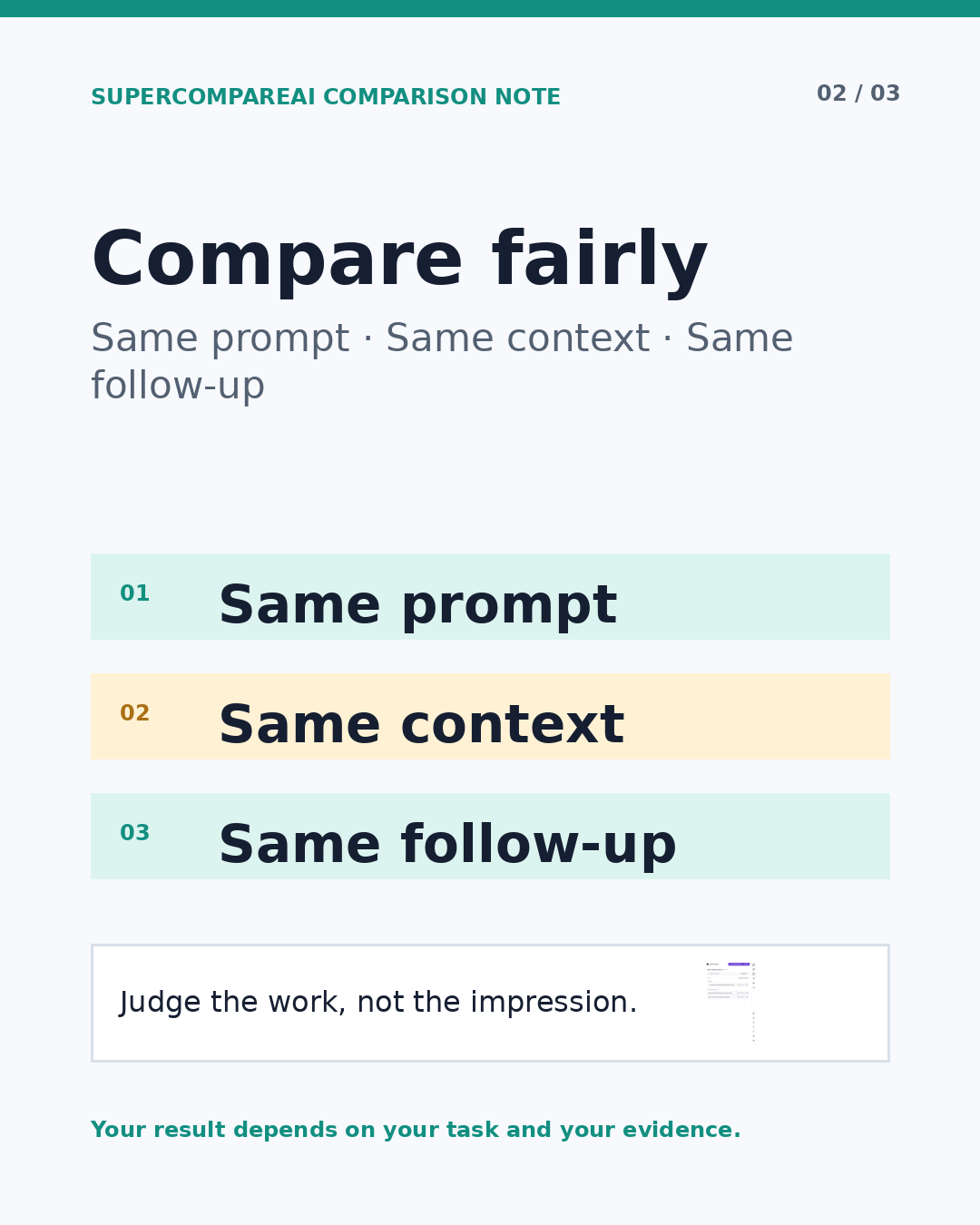
Give both models the same second chance
A first answer can hide a weak assumption. Give both models the same follow-up instead of correcting only the answer you like less:
Prompt example
Review your previous answer. Identify the weakest assumption, one possible error, and one question I need to answer before I act.
Compare the revisions, not just the first drafts. Did the model notice a real gap? Did it change a claim without explaining why? Did it ask for information that was missing from the original prompt?
This follow-up is useful because it tests the model's response to criticism. It does not prove that one model is better in every situation. It tells you more about how each one handled this task, with this context, on this day.
Keep a short decision record
Save a small note after each comparison:
• The exact prompt
• The context and files you supplied
• Claims that still need verification
• The answer or section you used
• What changed after the follow-up
• Why the result fits, or does not fit, this task
After a few real tasks, you will have something more useful than a screenshot of one unusually good reply. You will know which answer was easier to check, which one gave you usable next steps, and where both models needed your judgment.
Do not pick a winner from one reply
Writing, coding, research, planning, and file analysis can expose different strengths and weaknesses. A result from one task is evidence for that task. It is not a universal model ranking.
The useful question is simple: which answer helped with this job under the same conditions? Run the test again when the work changes, keep the setup stable, and let your own record guide the next choice.
If you want to compare multiple AI models simultaneously without repeating the same copy-and-paste routine, SuperCompareAI keeps the question, selected services, and answer review in one browser workflow.
• Introduce: https://www.supercompareai.com/
• Chrome extension: https://chromewebstore.google.com/detail/supercompareai-compare-ch/fhbnhohjeakmodifnnmpmphacbnolfhf
Written by Meka Coven.