By Meka Coven
One impressive AI reply can settle the question too early. You try ChatGPT, open Claude, then rewrite the prompt in a hurry. Add Gemini in another tab and the test is already uneven. The answer may look different because the setup changed.
Start with one clean comparison
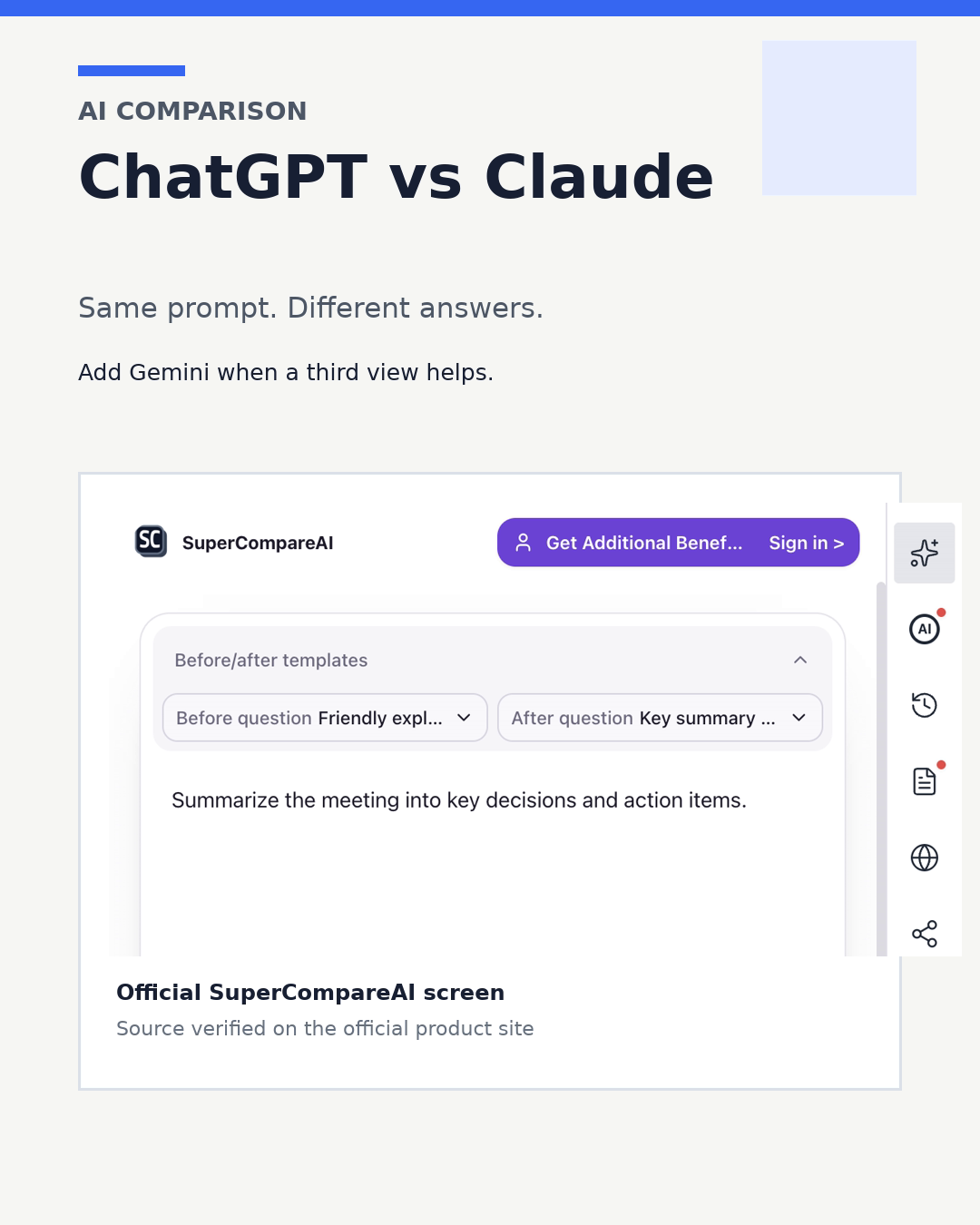
SuperCompareAI is a Chrome extension that sends one question to the AI services you select and lets you compare the answers in one browser flow. The official product page lists 12 services: ChatGPT, Claude, Gemini, Perplexity, Google AI Studio, Grok, GenSpark, Qwen, DeepSeek, Copilot, Z.ai, and Kimi.
If you want to compare AI models side by side without rebuilding the same prompt in several tabs, that is the part of the workflow the tool handles. It sends the same question to the selected services. You still read the answers and decide what fits the task.
To try that workflow, start with the SuperCompareAI introduction or install the extension from the Chrome Web Store.
• Introduce: https://www.supercompareai.com/
• Chrome extension: https://chromewebstore.google.com/detail/supercompareai-compare-ch/fhbnhohjeakmodifnnmpmphacbnolfhf
Keep ChatGPT and Claude on the same starting line
A fair ChatGPT vs Claude test needs the same starting conditions. Keep these parts unchanged:
• Prompt: ask the same question in both services.
• Context: provide the same background, examples, files, and limits.
• Output format: request the same structure, length, and level of detail.
• Follow-up: give both models the same chance to review or revise the answer.
Start with a task you actually repeat, such as reviewing a code change, outlining research, drafting a product brief, or planning a decision. A reusable prompt can say:
Prompt example
I need help with [specific task]. Use only the context below. Give me a recommendation, the assumptions behind it, two risks, and the next three actions. Mark anything that needs external verification.
Run that prompt in ChatGPT and Claude without changing the wording. If you add Gemini, send the same prompt and context there too. Gemini is a third reference point, not a reason to change the test halfway through.
Ask multiple AIs at once without changing the setup
Copying one question into ChatGPT, Claude, and Gemini works for a quick check. It gets tiring when the prompt includes a long context, a file, or several follow-up questions. One small edit in one tab can also make the comparison less useful.
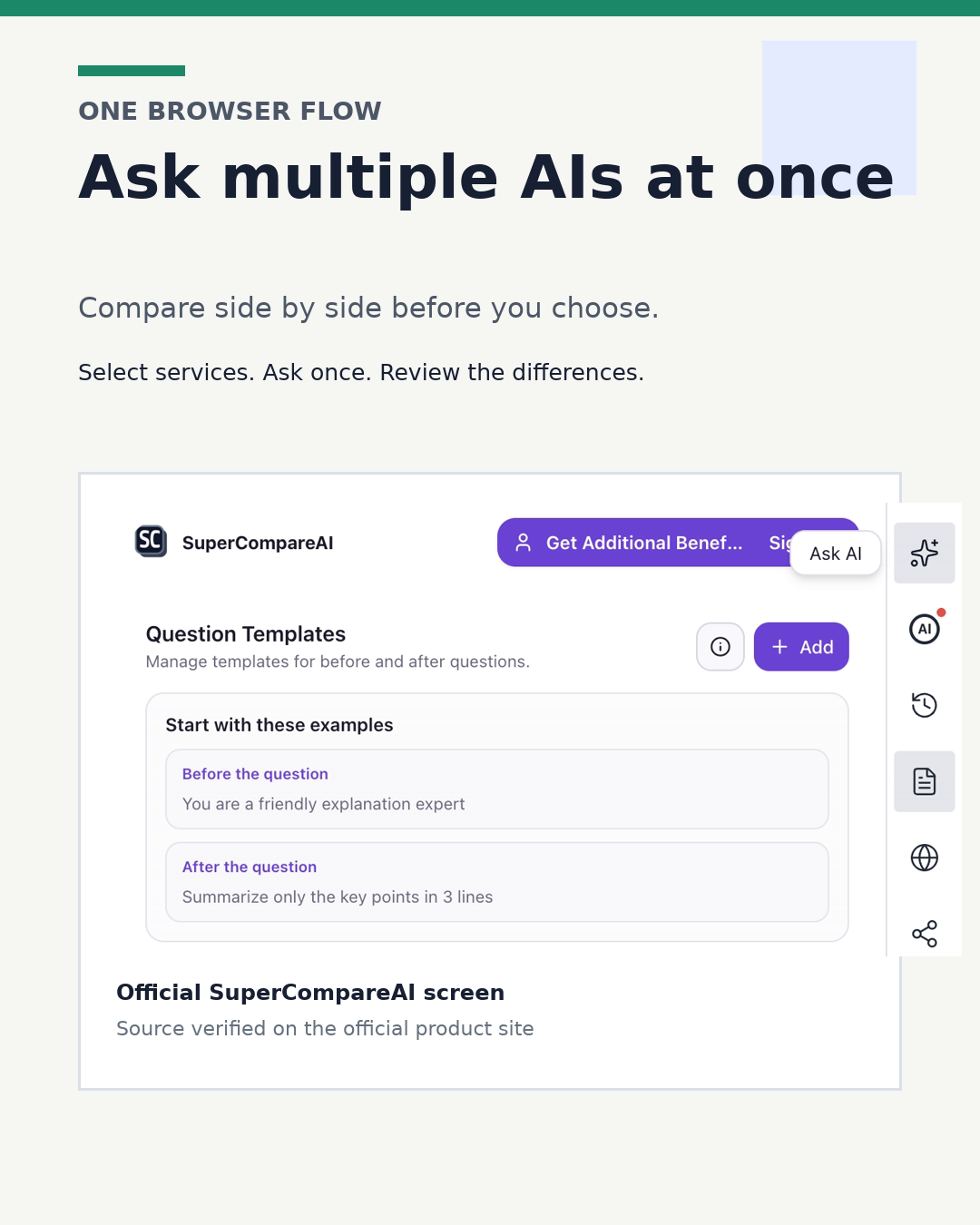
An AI comparison tool can remove that copying step. SuperCompareAI lets you select the services you want, ask multiple AI models at once, and compare the answers side by side. The official pages describe browser-based use with the AI accounts you already have, and they state that AI provider API keys are not required.
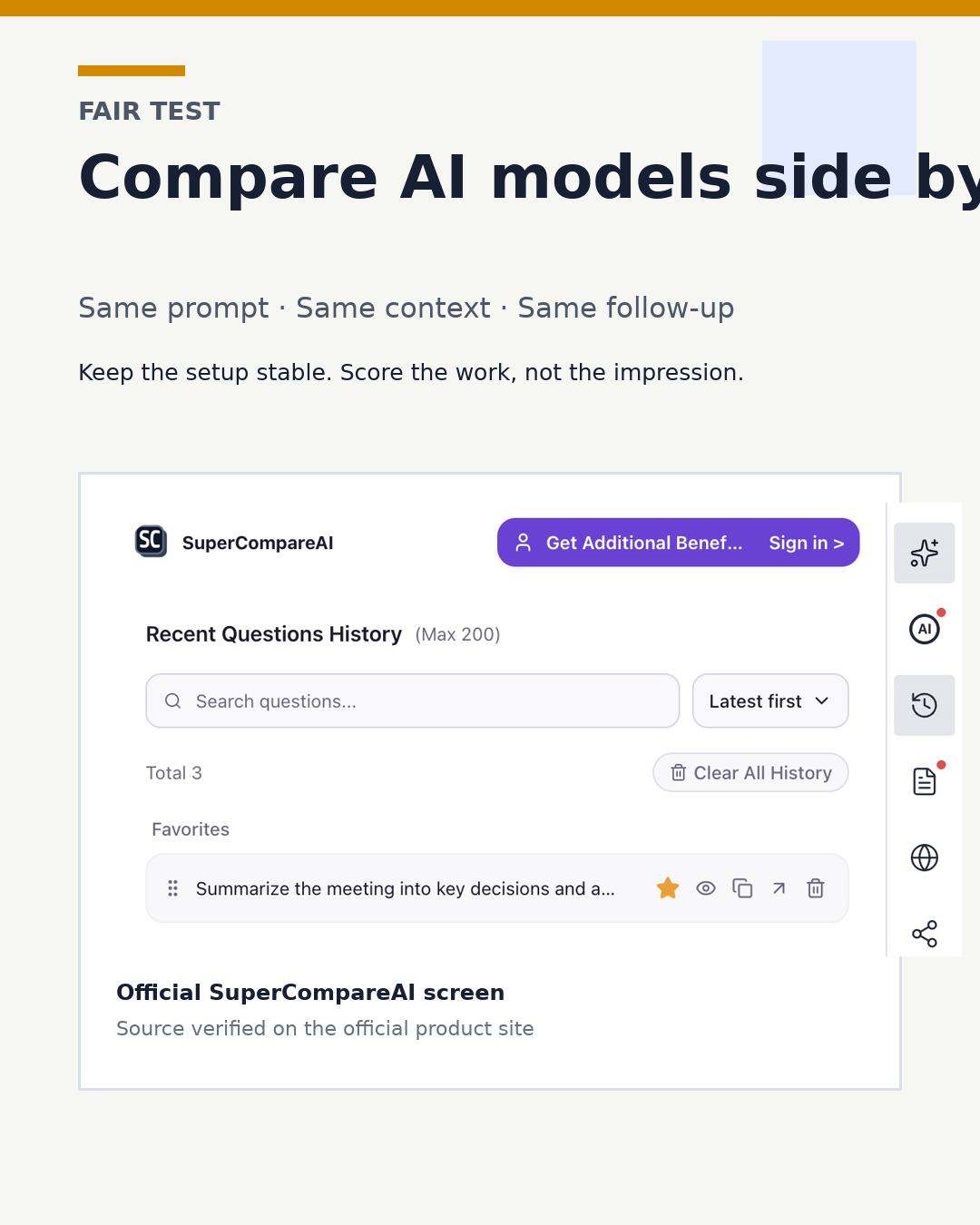
The product site also says question history is stored locally in your browser. That matters when you repeat the same kind of test and want to return to an earlier prompt instead of starting from a blank tab.
If your comparisons are starting to spread across too many tabs, the SuperCompareAI site explains the workflow, and the Chrome extension keeps that process in the browser you already use.
• Introduce: https://www.supercompareai.com/
• Chrome extension: https://chromewebstore.google.com/detail/supercompareai-compare-ch/fhbnhohjeakmodifnnmpmphacbnolfhf
Compare the work, not the impression
Read the answers once without scoring them. Then use the same checklist for each model:
• Did it follow every constraint?
• Did it use the context you supplied?
• Which claims or assumptions need checking?
• Can you act on the proposed next steps?
• Is the answer easy to scan later?
• What changed after the revision request?
The extension's one-question, multi-service workflow is an observed product fact. Which answer is more useful for your work is your test result. Keep those two things separate.
Give each model the same second chance:
Prompt example
Review your previous answer. Identify the weakest assumption, one possible error, and one question I need to answer before I act.
Record the task, the prompt, the context, the claims that need checking, and what changed after the follow-up. A short record is more useful than a screenshot of one unusually good reply. It helps you choose a model for a specific job without turning one result into a universal ranking.
Choose by task, not by one reply
Writing, coding, research, planning, and file analysis can reward different kinds of answers. Run the same test on the work that matters to you. Keep the setup stable, compare the outputs under the same conditions, and change your checklist only when you learn something from the results.
If you want to compare ChatGPT, Claude, and Gemini without repeating the same copy-and-paste routine, the SuperCompareAI introduction shows the available workflow. You can also get the Chrome extension and keep the next comparison ready in your browser.
• Introduce: https://www.supercompareai.com/
• Chrome extension: https://chromewebstore.google.com/detail/supercompareai-compare-ch/fhbnhohjeakmodifnnmpmphacbnolfhf
Written by Meka Coven.