
By Meka Coven
A quick Claude vs Qwen test can turn into a test of your copying skills. Paste slightly different context into each service and the result says more about the setup than the models. A polished answer is not automatically a useful one.
Use a piece of work you already need to finish. Give both services the same task, context, and limits, then inspect the details that affect your next step. The question is smaller than "Which model is best?" Ask instead: "Which answer holds up for this job?"
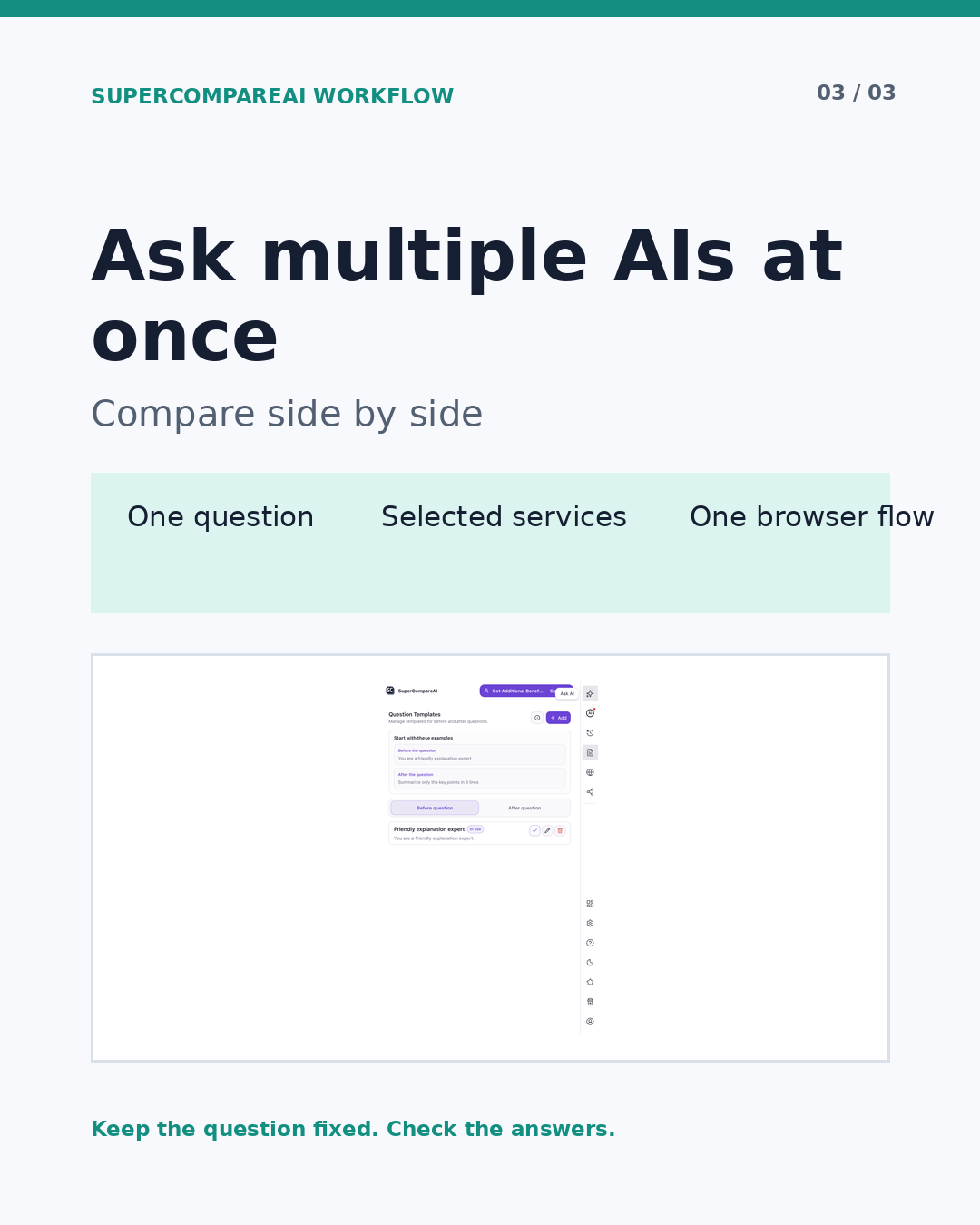
SuperCompareAI sends one question to selected AI services in one browser flow. It helps when you want to ask multiple AI models at once without rebuilding the same prompt in several tabs.
• Introduce: https://www.supercompareai.com/
• Chrome extension: https://chromewebstore.google.com/detail/supercompareai-compare-ch/fhbnhohjeakmodifnnmpmphacbnolfhf
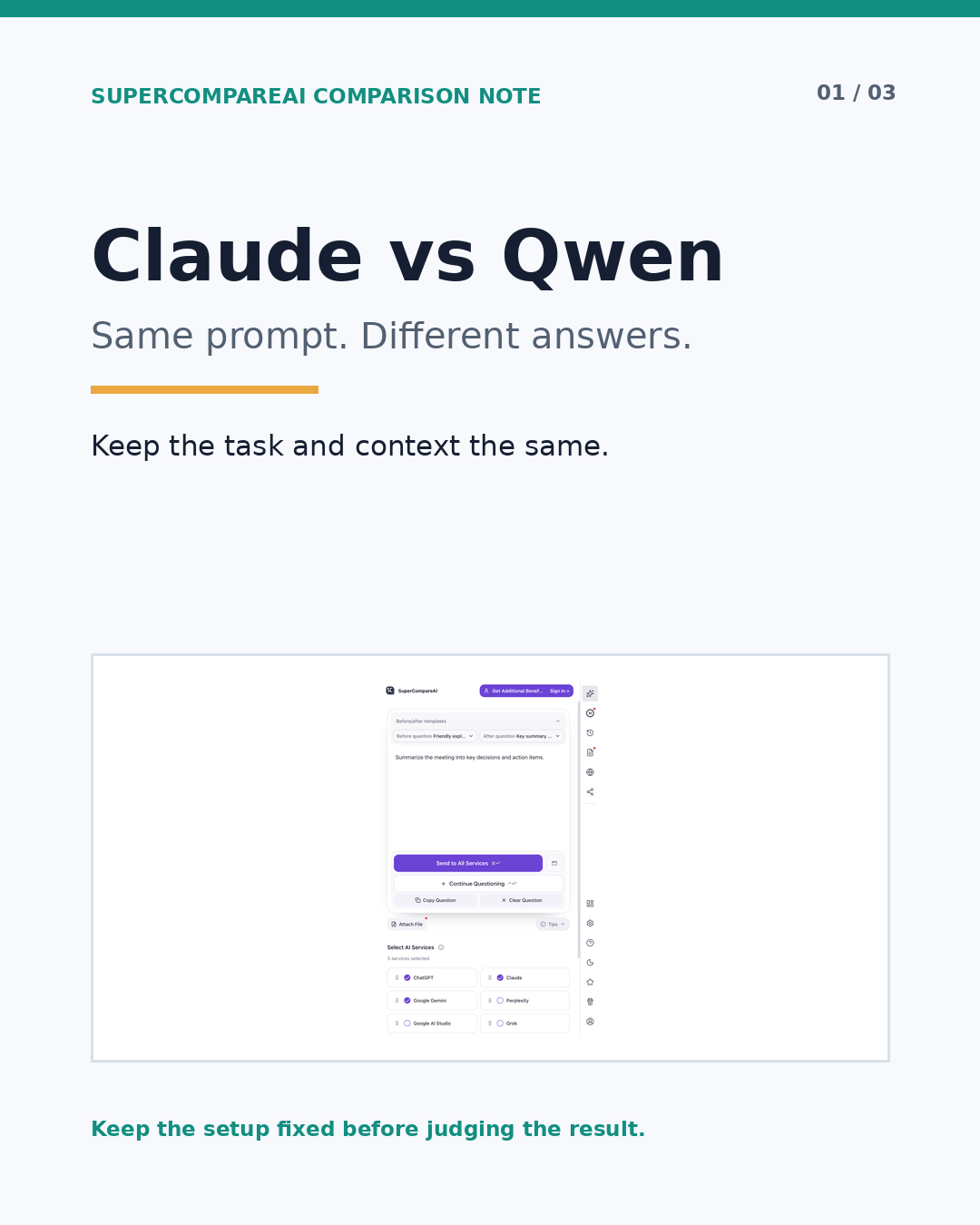
Set up a test you can inspect
Choose a task with a clear finish line, such as a rewrite for a named audience, a code review, a research outline, or a short project plan. A broad question can be interesting, but it gives you less to check afterward.
Before you run a Claude vs Qwen comparison, write down:
• The decision or deliverable the answer should support
• The facts, files, links, and examples both services may use
• The audience, format, length, and hard limits
• The claims that need a source or a separate check
• What would make the answer unusable for this task
Then make one prompt you can reuse:
Prompt example
I need to [specific task] for [audience]. Use only the context below. Give me one recommendation, state the assumptions behind it, identify two risks, and mark any claim I should verify.
Send that prompt with the same context to Claude and Qwen. Add Gemini only when a third view can answer a real question. Record what each service received. If one service handles a file or link differently, note that as part of the test instead of quietly changing the setup.
Read the disagreement before choosing
Read the first answers once without picking a winner. On the second pass, check:
• Did the response follow the requested format and limits?
• Did it use the supplied context, or fall back to general advice?
• Which claims and assumptions still need checking?
• Can you act on the recommendation without filling in missing pieces?
• Did it show uncertainty where uncertainty mattered?
• Did it explain a tradeoff that the other answer skipped?
A confident sentence is not evidence. Agreement is not proof either. One answer may be shorter while the other points out a risk you missed. For a real decision, check which claims survive a separate review.
The official SuperCompareAI pages describe a Chrome extension that sends one question to selected AI services and compares their answers in one browser flow. The official product pages currently list 12 selectable services: ChatGPT, Claude, Gemini, Perplexity, Google AI Studio, Grok, GenSpark, Qwen, DeepSeek, Copilot, Z.ai, and Kimi. They also describe using existing AI accounts without provider API keys, browser-side operation, local browser history, question templates, custom sites, and file or image attachments. Those are product facts. They do not prove that Claude or Qwen will be better for your particular task.
When you compare multiple AI models simultaneously, leave the repeated dispatch step separate from the judgment step. An AI comparison tool can keep multiple AI models side by side, but you still decide which claims are safe to use.
• Introduce: https://www.supercompareai.com/
• Chrome extension: https://chromewebstore.google.com/detail/supercompareai-compare-ch/fhbnhohjeakmodifnnmpmphacbnolfhf
Give both services the same follow-up
The first answer often hides an assumption. Ask Claude and Qwen the same second question instead of repairing only the answer you liked less:
Prompt example
Review your previous answer. Name one assumption that could fail, one claim I should verify, and one detail you would change for [audience].
Compare those revisions too. Did a service notice a real gap? Did it change a recommendation without explaining why? Did it ask for information the original prompt did not provide?
Run the shared follow-up before one response influences how you read the other. Once you paste Claude's answer into Qwen, or Qwen's into Claude, you are testing synthesis rather than the original side-by-side question.
Keep a small test note
Separate observed product facts from your own result. The extension's one-question dispatch and comparison flow are facts described by the official product pages. Which answer worked better for your task is your result, and it depends on the prompt, context, checks, and notes you kept.
After each run, record:
• The exact prompt and its version
• The services, files, links, and context supplied
• Claims that still need verification
• The answer or section you used
• What changed after the shared follow-up
• Why the result fits, or does not fit, this task
That note keeps one impressive response from becoming a permanent label. A different audience or source document can change the result. That is useful information about the work, not a failure of the test.
Choose after the check
Claude vs Qwen is a useful comparison, not a permanent verdict. If neither answer survives your checks, revise the prompt or add Gemini as a third view. Keep the conditions visible and choose the response that holds up for the task in front of you.
SuperCompareAI can handle the repeated question-and-dispatch step, leaving you more time to compare evidence and decide what to use. You still decide what to trust.
• Introduce: https://www.supercompareai.com/
• Chrome extension: https://chromewebstore.google.com/detail/supercompareai-compare-ch/fhbnhohjeakmodifnnmpmphacbnolfhf
Written by Meka Coven.