
By Meka Coven
ChatGPT and Claude can both produce a confident answer in seconds. That makes a quick comparison deceptively easy. You ask one model one question, another a slightly different question, then decide from two outputs that were never really under the same conditions.
A fair ChatGPT vs Claude test is less dramatic. Use a task you already have, lock the prompt and context, and record what happened after the first answer. The point is to find the better fit for a job, not to hand out a permanent trophy.
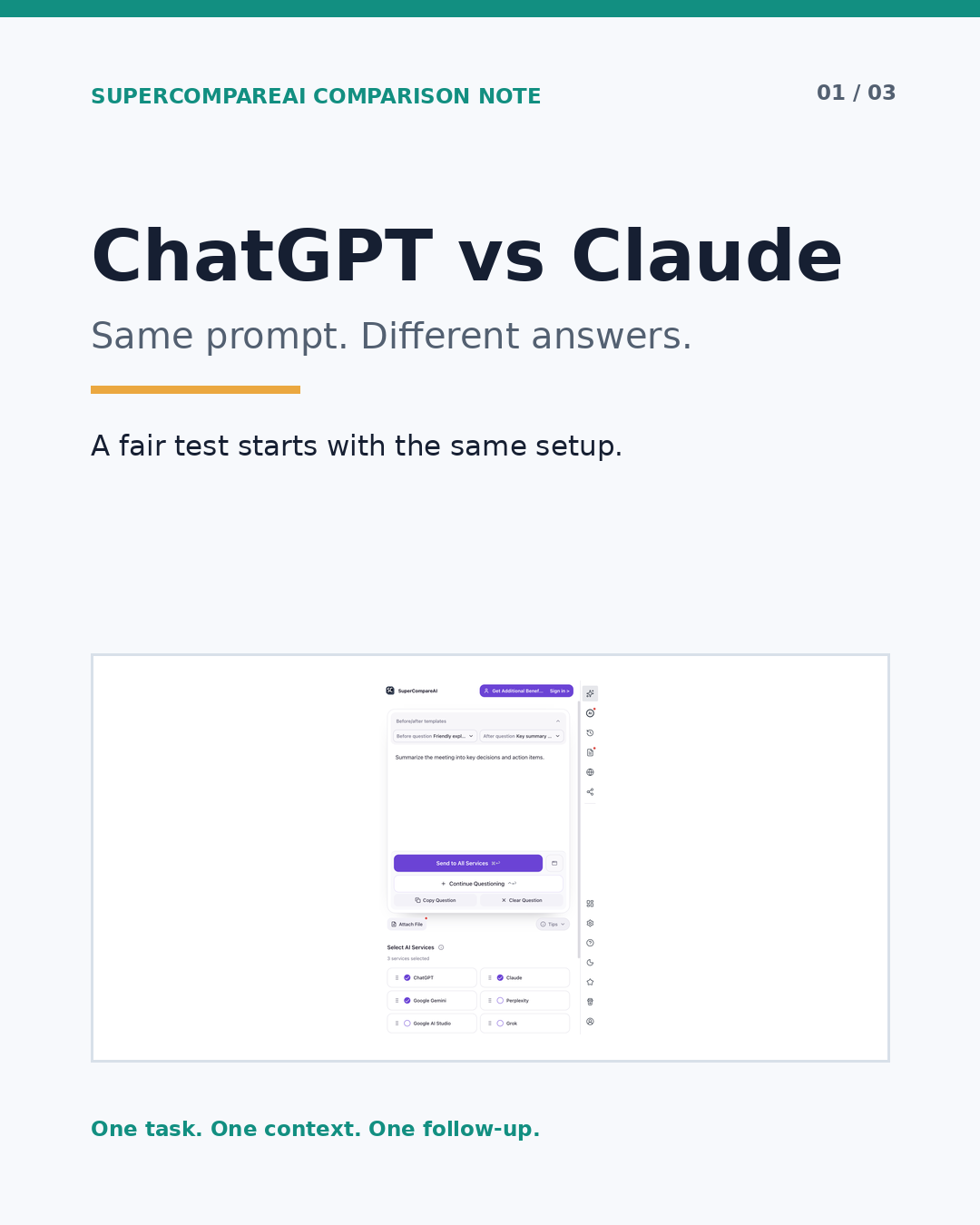
If copying the same setup into separate tabs is the part you keep putting off, SuperCompareAI can send one question to selected AI services in one browser flow.
• Introduce: https://www.supercompareai.com/
• Chrome extension: https://chromewebstore.google.com/detail/supercompareai-compare-ch/fhbnhohjeakmodifnnmpmphacbnolfhf
Use a real task, not a party trick
Pick something you would genuinely ask an AI assistant to do. A short planning memo, a code review, a research outline, or a rewrite of a document will tell you more than a clever puzzle with no connection to your work.
Before you run the test, write down:
• The job the answer needs to complete
• The context both models are allowed to use
• The audience, length, format, and other constraints
• Which claims need a source or a separate check
• What a useful answer would let you do next
Then use one prompt for both models. For example:
Prompt example
I am working on [specific task]. Use only the context below. Give me a recommendation, the assumptions behind it, two risks, and the next actions. Mark anything that needs external verification.
Keep the wording, context, files, and output format the same. If you change the prompt after reading ChatGPT's answer, change it for Claude too and start a new round. Otherwise you are testing your reaction to the first answer, not the two models.
Read the answers twice
The first read is for understanding. Do not choose a winner yet. On the second read, check what each answer actually did.
• Did it follow every instruction?
• Did it use the supplied context, or drift into generic advice?
• Which facts, assumptions, or links need checking?
• Can you act on the next steps without filling in missing pieces?
• Is the structure easy to scan when you return to it later?
• What changed after the same revision request?
A long answer can sound thorough while avoiding the decision you need to make. A short answer can be more useful when it leaves fewer unsupported claims. Record the evidence that matters for your task instead of counting words.
Keep product facts and test results in separate notes. The extension sending one question to selected AI services in one browser flow is a product fact. Whether ChatGPT or Claude helped more with your own task is your result. You can check the first on the official product pages. You have to earn the second by running the test.
Compare AI models side by side without losing the setup
Copying a short question into two tabs is easy. The routine becomes fragile when the prompt includes a long context, an attachment, or several follow-up questions. One small edit in one tab can stay invisible until you are already comparing the answers.
SuperCompareAI is a Chrome extension for this repeated part of the workflow. You can select AI services, ask multiple AI models at once, and compare the answers side by side. The official site currently lists 12 selectable services: ChatGPT, Claude, Gemini, Perplexity, Google AI Studio, Grok, GenSpark, Qwen, DeepSeek, Copilot, Z.ai, and Kimi.
The official product pages describe browser-side use with the AI accounts you already use and state that AI provider API keys are not required. They also describe local browser history, question templates, custom sites, and file or image attachments. Those are product capabilities. They do not tell you which answer will fit your work.
Once the prompt is fixed, an AI comparison tool can keep the repeated question and review step together. SuperCompareAI gives you the multi-model view; you still decide which claims hold up and which answer is useful.
• Introduce: https://www.supercompareai.com/
• Chrome extension: https://chromewebstore.google.com/detail/supercompareai-compare-ch/fhbnhohjeakmodifnnmpmphacbnolfhf
Give both models the same follow-up
A first answer can hide a weak assumption. Send both models the same second question instead of repairing only the answer you like less:
Prompt example
Review your previous answer. List one assumption that may be wrong, one claim I should verify, and one change you would make if the audience were [audience].
Compare the revisions as carefully as the first answers. Did a model find a real gap? Did it quietly change a claim? Did it ask for information that the original prompt did not provide? The result tells you how each model handled this task, with this context, on this day. It does not create a universal ranking.
If you add Gemini as a third reference point, keep the same prompt and follow-up. A third answer can reveal an assumption both of the first two answers shared, but it is still evidence for this test rather than a final verdict.
Keep a short decision note
Save a small record after each comparison:
• The exact prompt and context
• The files or links you supplied
• Claims that still need verification
• The answer or section you used
• What changed after the follow-up
• Why the result fits, or does not fit, this job
After a few real tasks, you will have something more useful than a screenshot of one unusually good reply. You will know which answer was easier to check, which one gave you usable next steps, and where both models needed your judgment.
Choose for the job in front of you
Writing, coding, research, planning, and file analysis can expose different strengths and weaknesses. One impressive answer does not prove that ChatGPT or Claude is the better model for everything.
Ask a smaller question instead: which answer helped with this job under the same conditions? Run the comparison again when the work changes, keep the setup stable, and let your own notes guide the next choice.
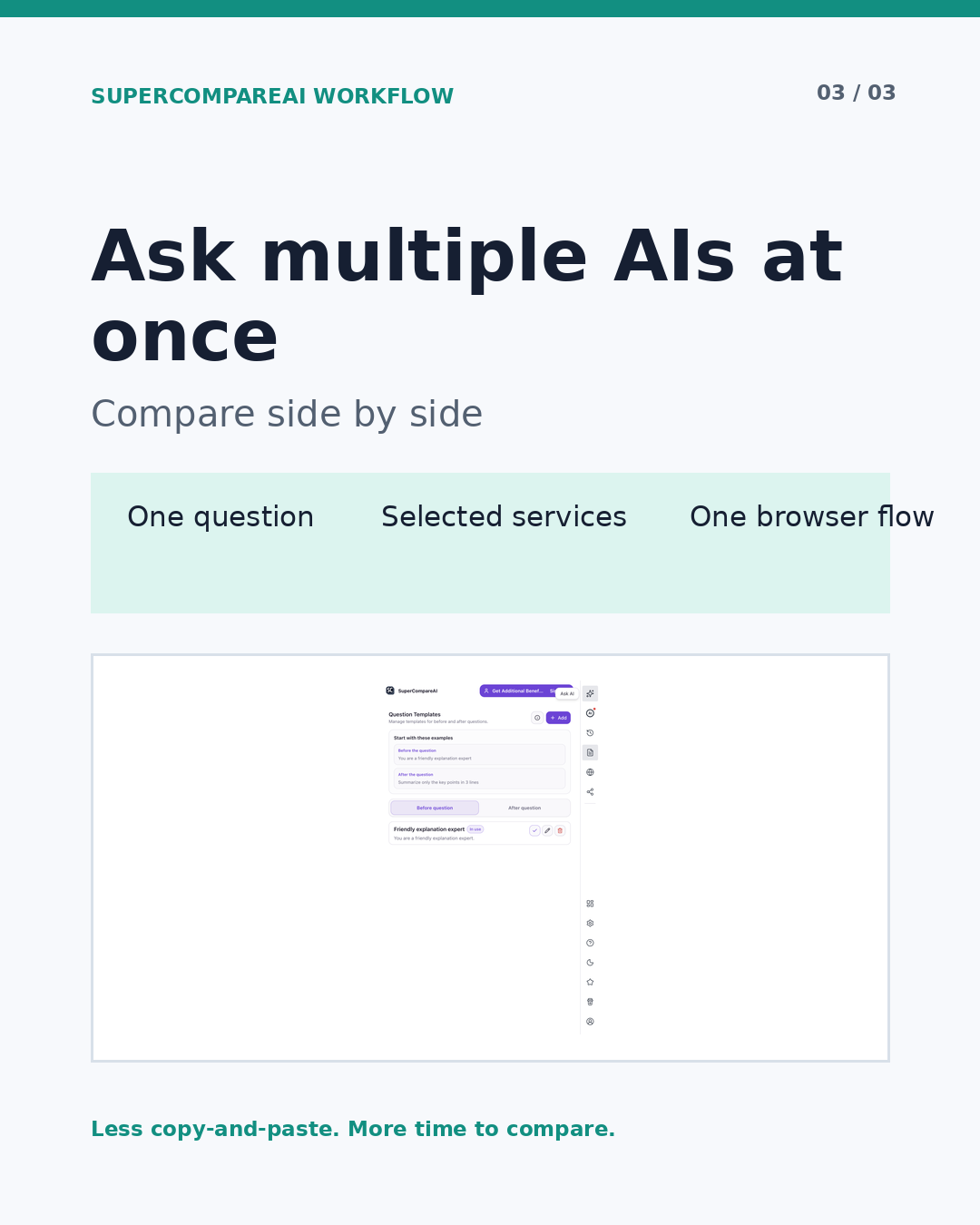
If you want to compare multiple AI models simultaneously without rebuilding the same prompt in several tabs, SuperCompareAI keeps the question, selected services, and answer review in one browser workflow.
• Introduce: https://www.supercompareai.com/
• Chrome extension: https://chromewebstore.google.com/detail/supercompareai-compare-ch/fhbnhohjeakmodifnnmpmphacbnolfhf
Written by Meka Coven.